FoodMapper
Match free-text food descriptions to standardized reference databases with on-device MLX models on Apple Silicon.
Designed for nutrition research. Run matching entirely on-device, or enable the optional hybrid pipeline.
Published in The Journal of Nutrition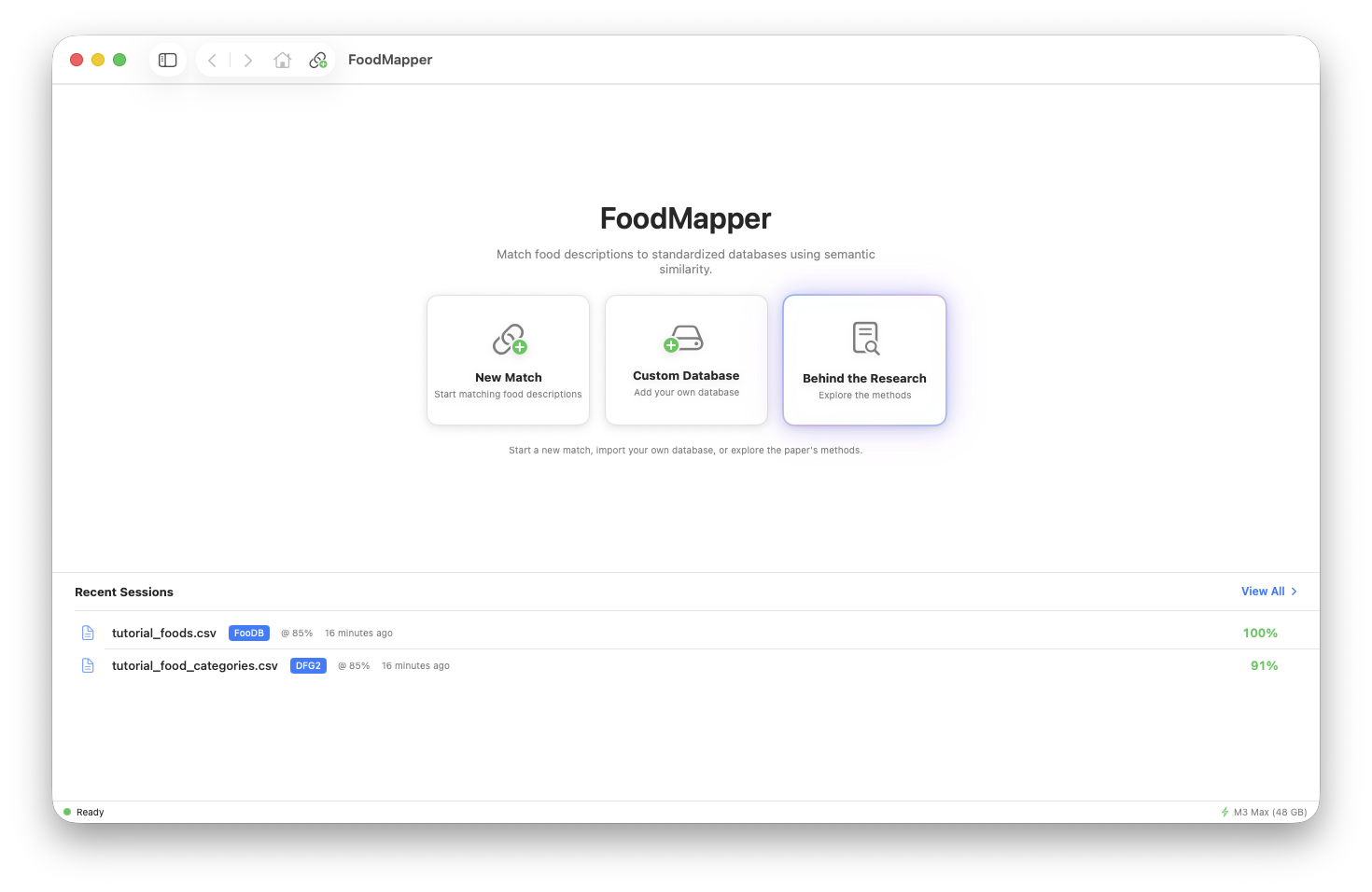
What it does
The default GTE-Large embedding path runs locally through MLX on Apple Silicon. The optional Anthropic verification path is separate and sends the input text and candidate database entries needed for a selected run.
On-Device Matching
The default GTE-Large embedding model runs through MLX on Apple Silicon. Input and target data stay on the Mac for that path.
Guided Review Workflow
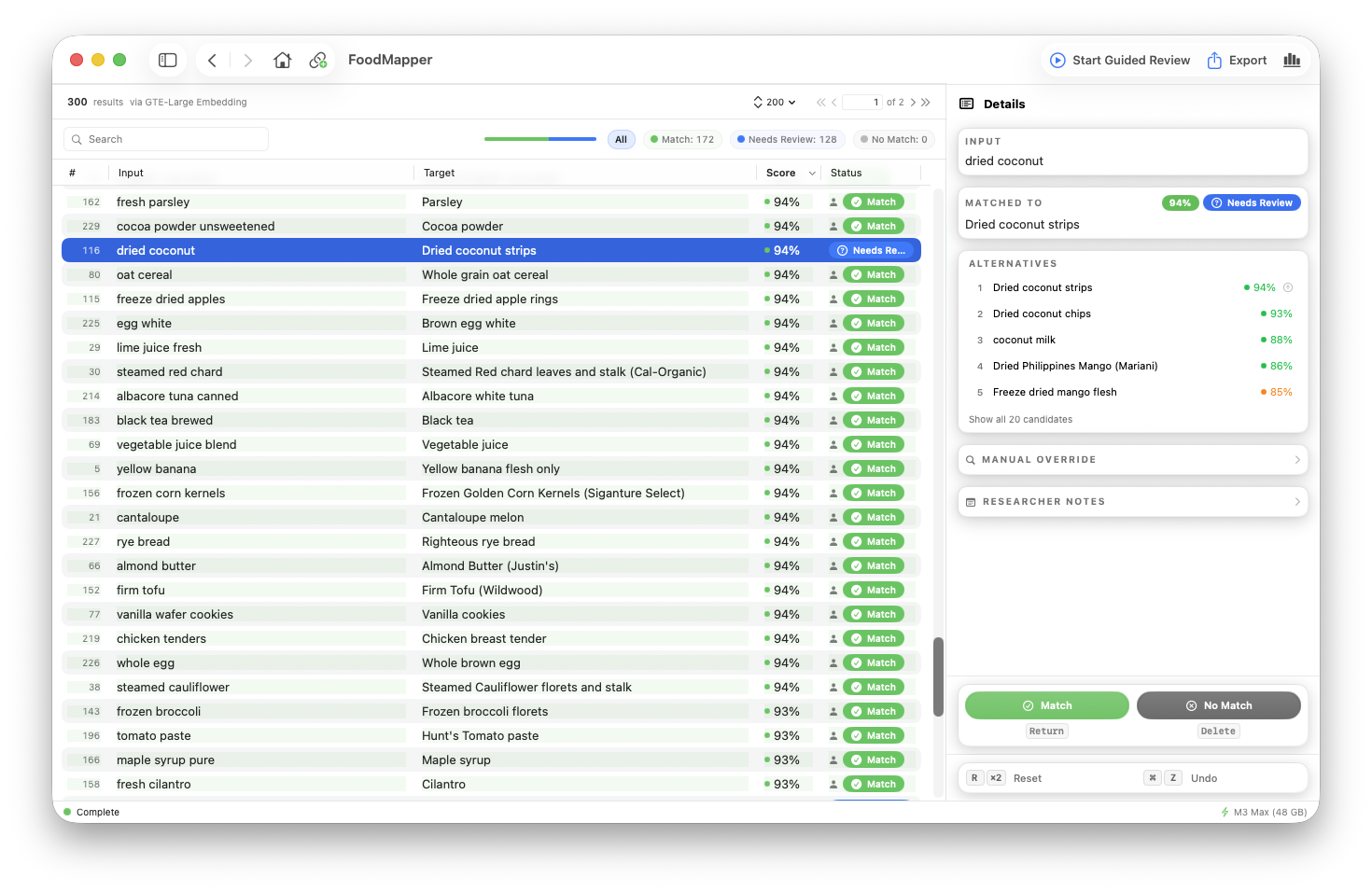
Confirm, reject, or override matches with keyboard-driven review. Auto-advancing guided mode works through items needing attention. Export reviewed results to CSV.
Built-In Databases
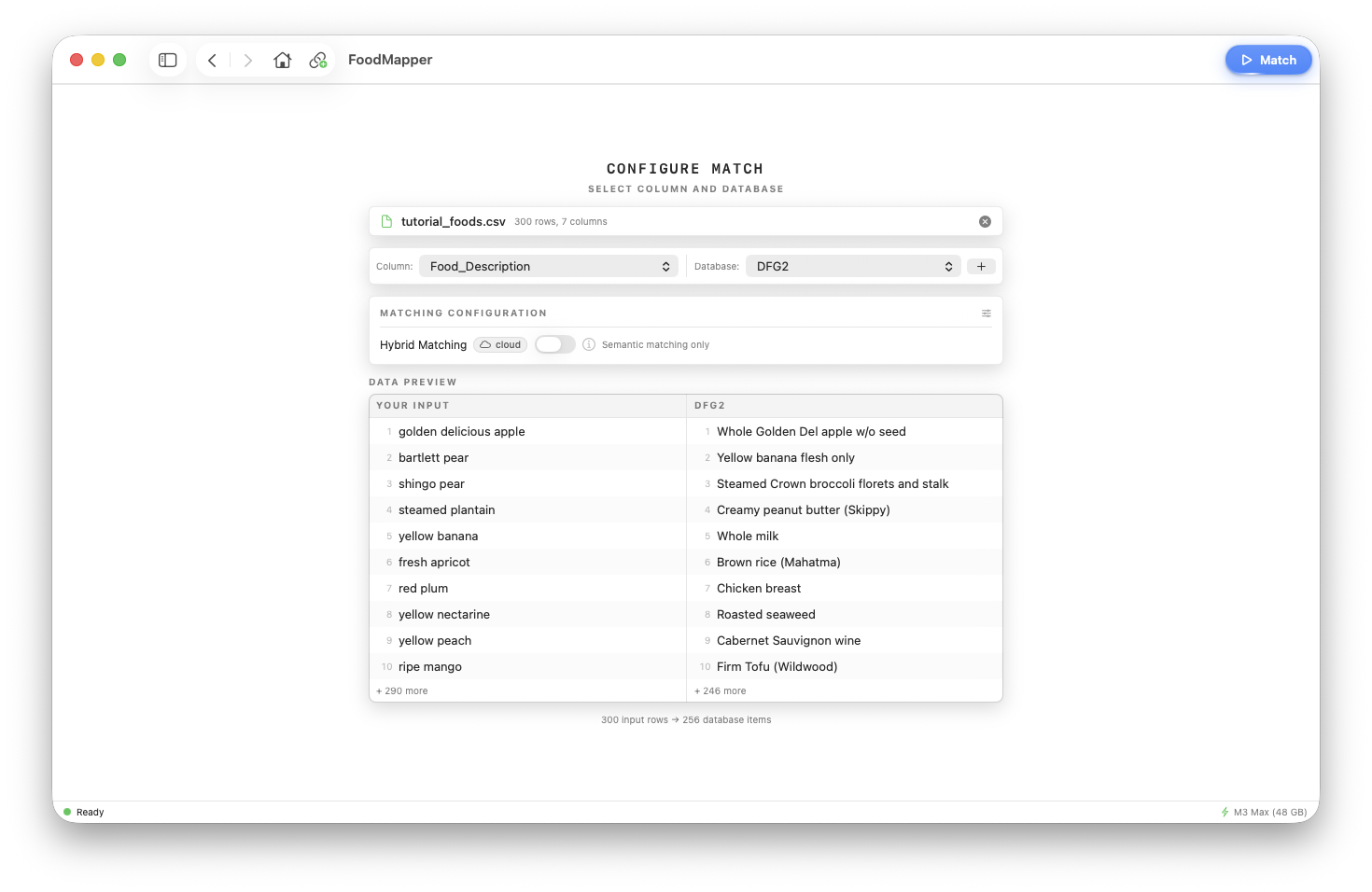
FooDB (9,913 items) and DFG2 (256 items) include source rows in the app. After the approved model download, embeddings are computed and cached on first use. You can also import a CSV or TSV.
Behind the Research
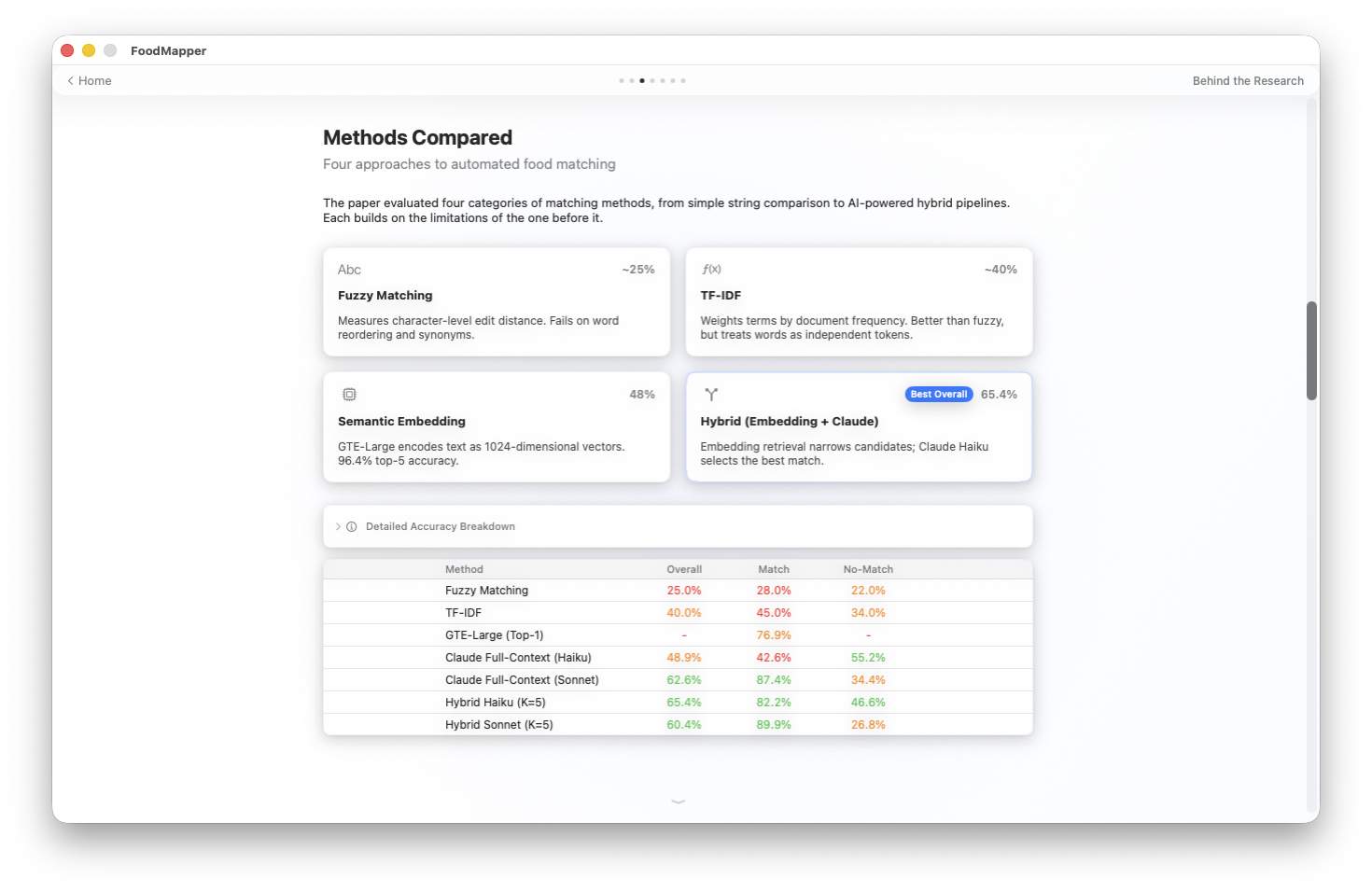
The in-app research section presents the paper's methods and an NHANES-to-DFG2 demonstration, including the optional Anthropic path.
Published research
From dietary records to a standard food database
FoodMapper builds on a peer-reviewed evaluation of fuzzy matching, TF-IDF, text embeddings, and language-model-assisted matching. The study includes ASA24-to-FooDB and NHANES-to-DFG2 tasks. The NHANES-to-DFG2 task includes descriptions with no valid DFG2 entry.
How it works
Load your data
Drag in a CSV or TSV with food descriptions. Pick your description column and target database.
Match
Click Match and the embedding model runs on your GPU. Semantic similarity retrieves candidate database entries for each food item.
Review and export
Guided review opens each result in order. Confirm, reject, or override each match. Current-session export includes original columns when the input remains available, plus match metadata.